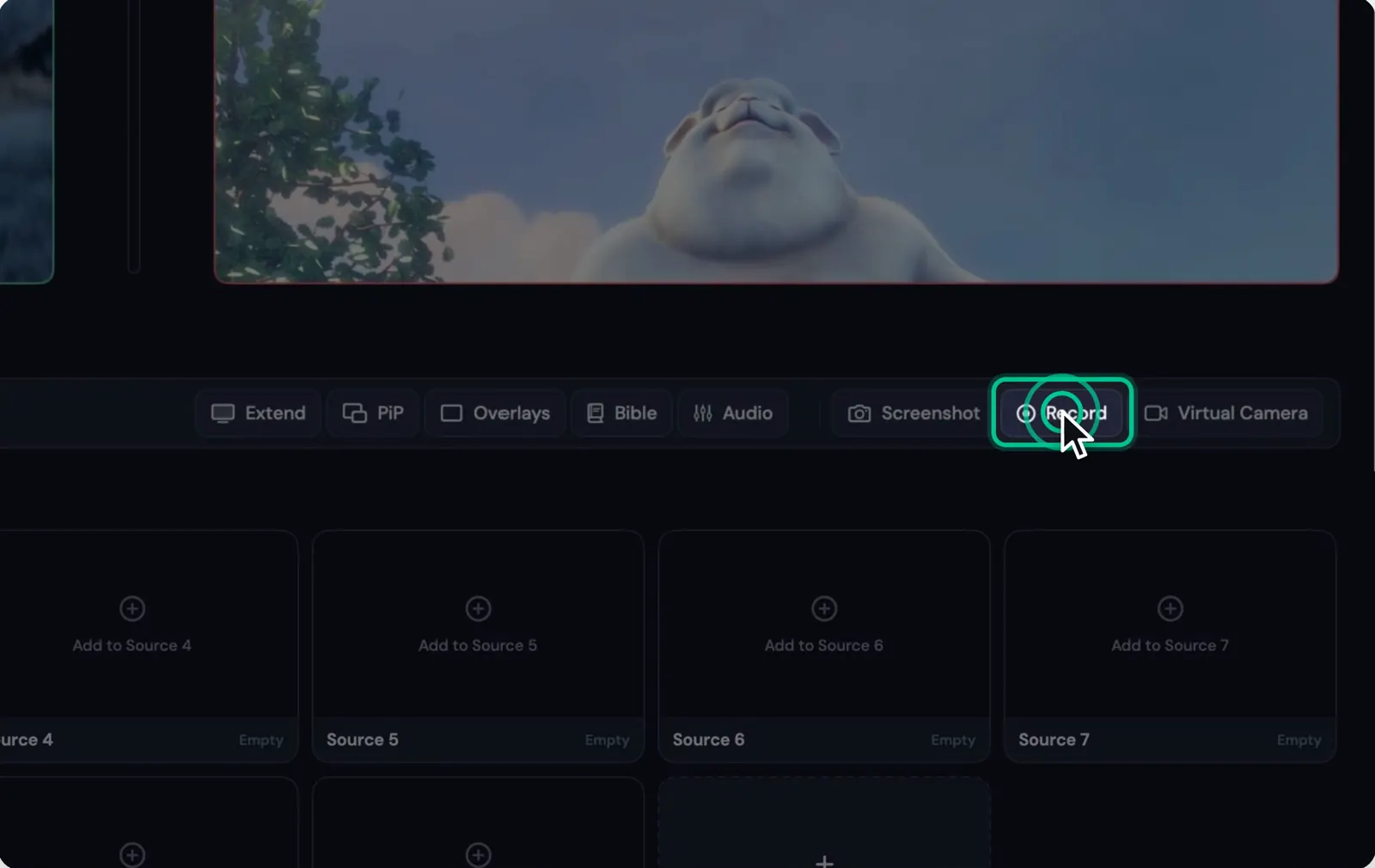
Record Program to your Mac, on its own or while you stream. Choose MP4 or MOV, H.264 or HEVC, the quality and size, and find your recordings in Movies/Stream24.
1 min read·Updated
Steps
1
Step 1: Put your shot on Program
Whatever is on Program is what records, and what goes live.
2
Step 2: Click Record
Click Record, or press R. Recording keeps going while you stream; press R again to stop.
In the Recording panel, choose MP4 (plays everywhere, the safe default) or MOV (friendlier to edit suites), H.264 (compatible with everything) or HEVC (smaller files, needs a newer player), Low, Medium or High quality, and Program resolution, 1920 × 1080 or 1280 × 720.
4
Step 4: Find the file
Recordings are saved in Movies/Stream24. File names can include the date, the time and the workspace.