Skip to content
Stream24

Every Stream24 plan now includes Studio, OmniDownload and Share for Mac — at no extra cost.

See what's new

GuideMultistreaming

Set up OBS, vMix or another encoder

Copy your Stream24 RTMP server and stream key into OBS, vMix or a hardware encoder, start streaming, then send that one stream to every channel you switch on.

1 min read Updated

Steps

  1. Step 1: Choose Encoder

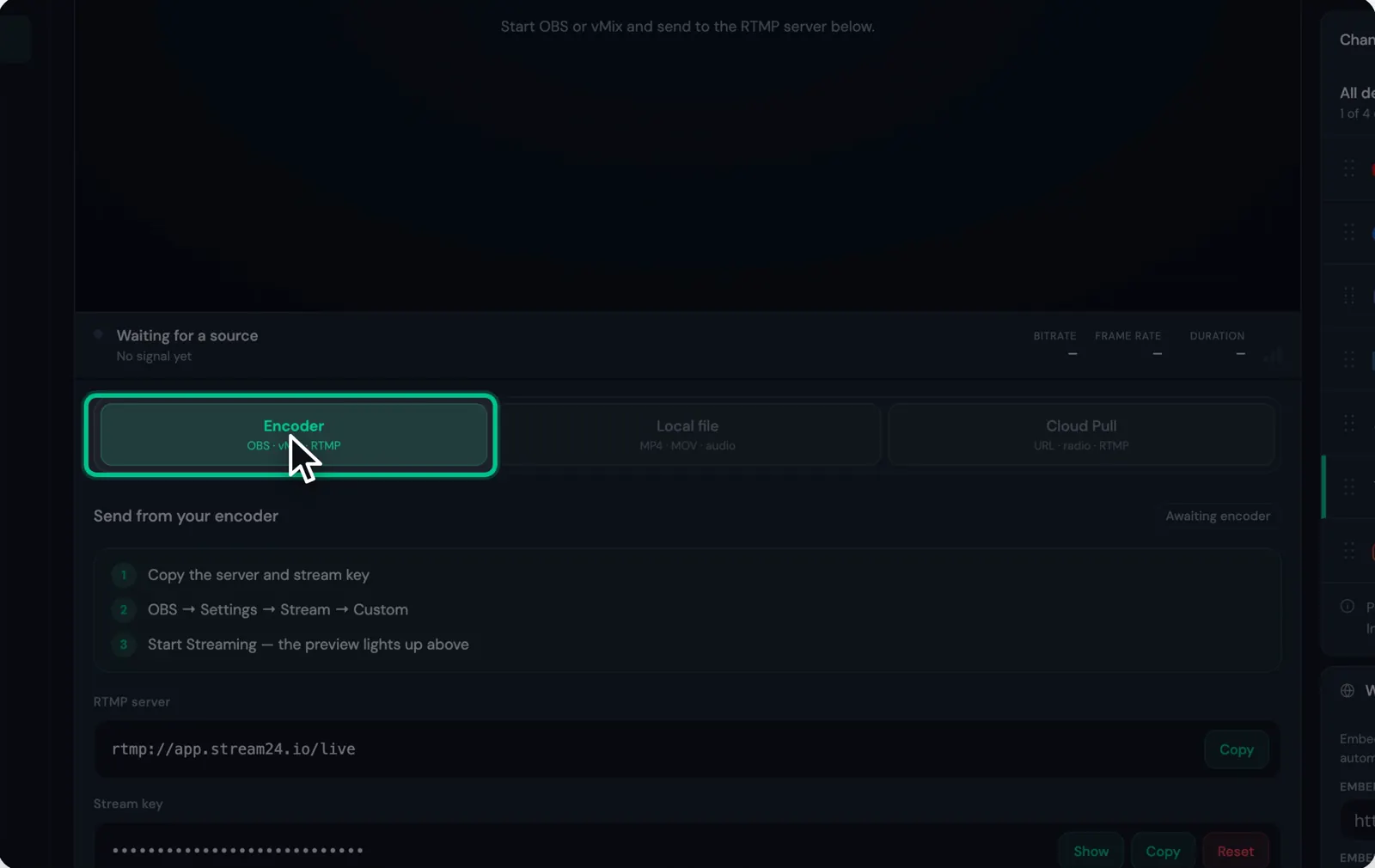
    In the Stream24 web app, choose Encoder (OBS · vMix · RTMP). The status reads Awaiting encoder until your stream arrives.

    The Encoder source option selected in the Stream24 web app
    Watch this step0:13
  2. Step 2: Copy the RTMP server

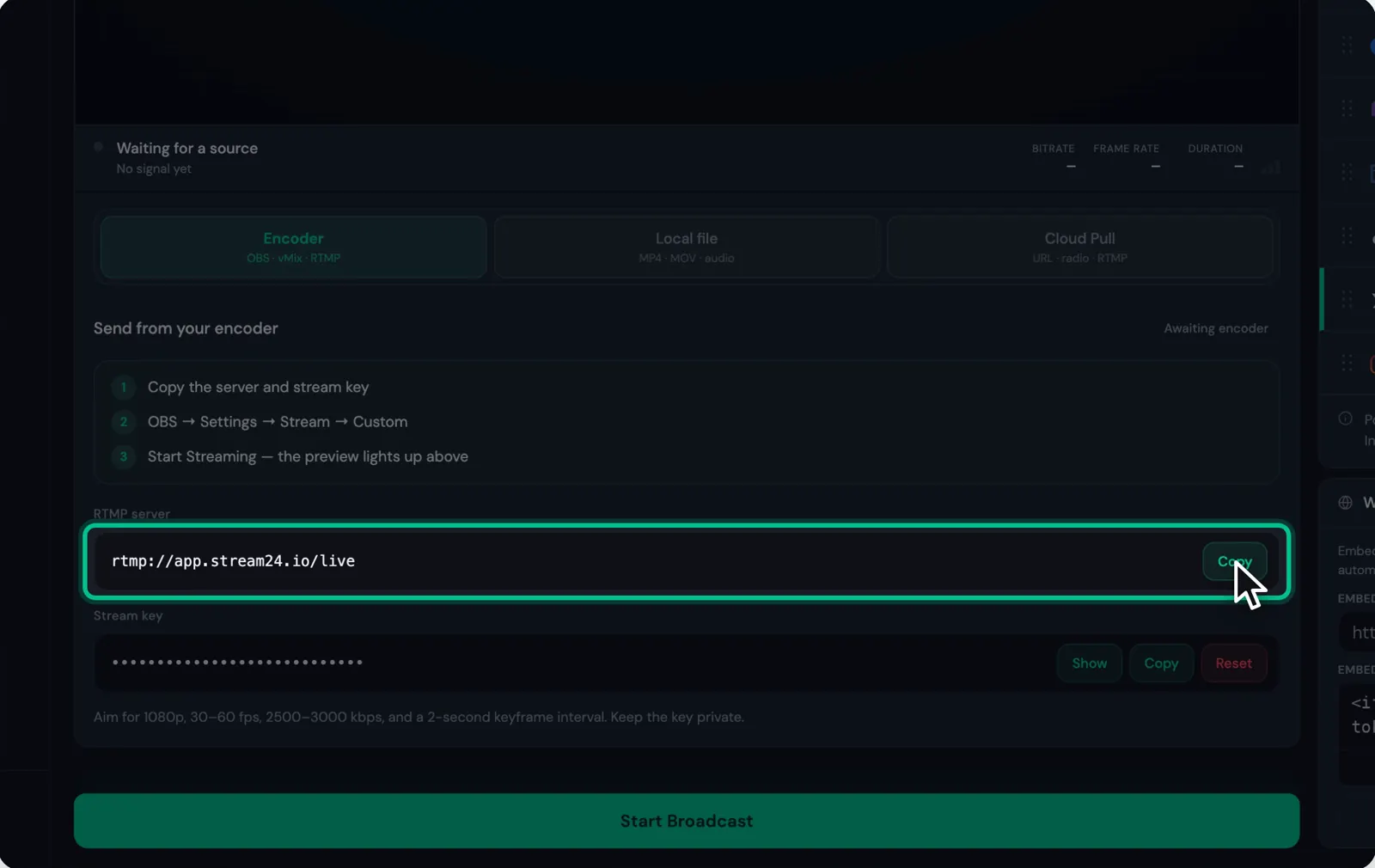
    Click Copy next to RTMP server. The server is rtmp://app.stream24.io/live.

    The RTMP server field with its Copy button
    Watch this step0:19
  3. Step 3: Copy your stream key

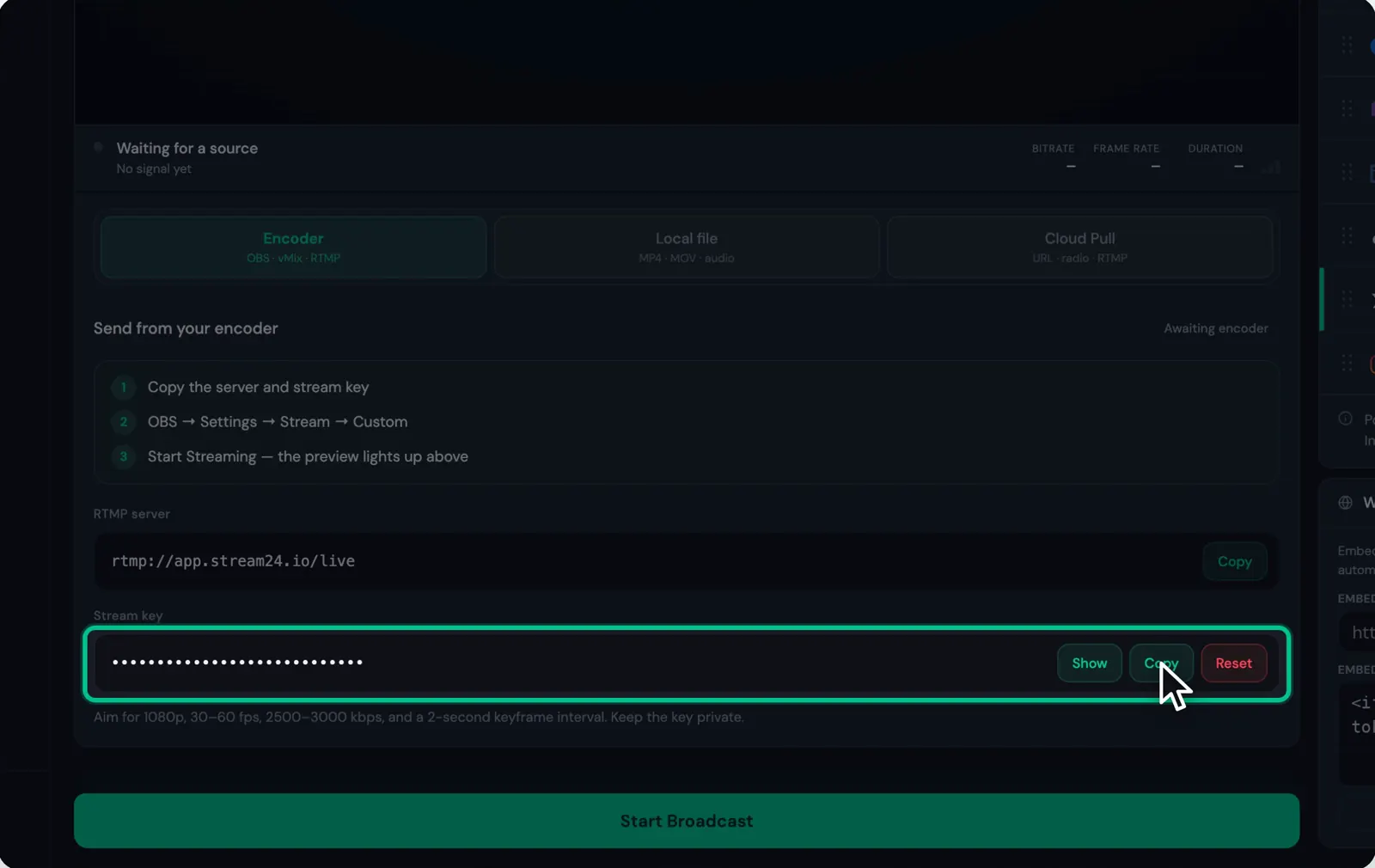
    Click Copy next to Stream key. Show reveals it and Reset replaces it. Keep the key private: anyone who has it can stream to your channels.

    The masked stream key with Show, Copy and Reset buttons
    Watch this step0:25
  4. Step 4: Paste both into OBS

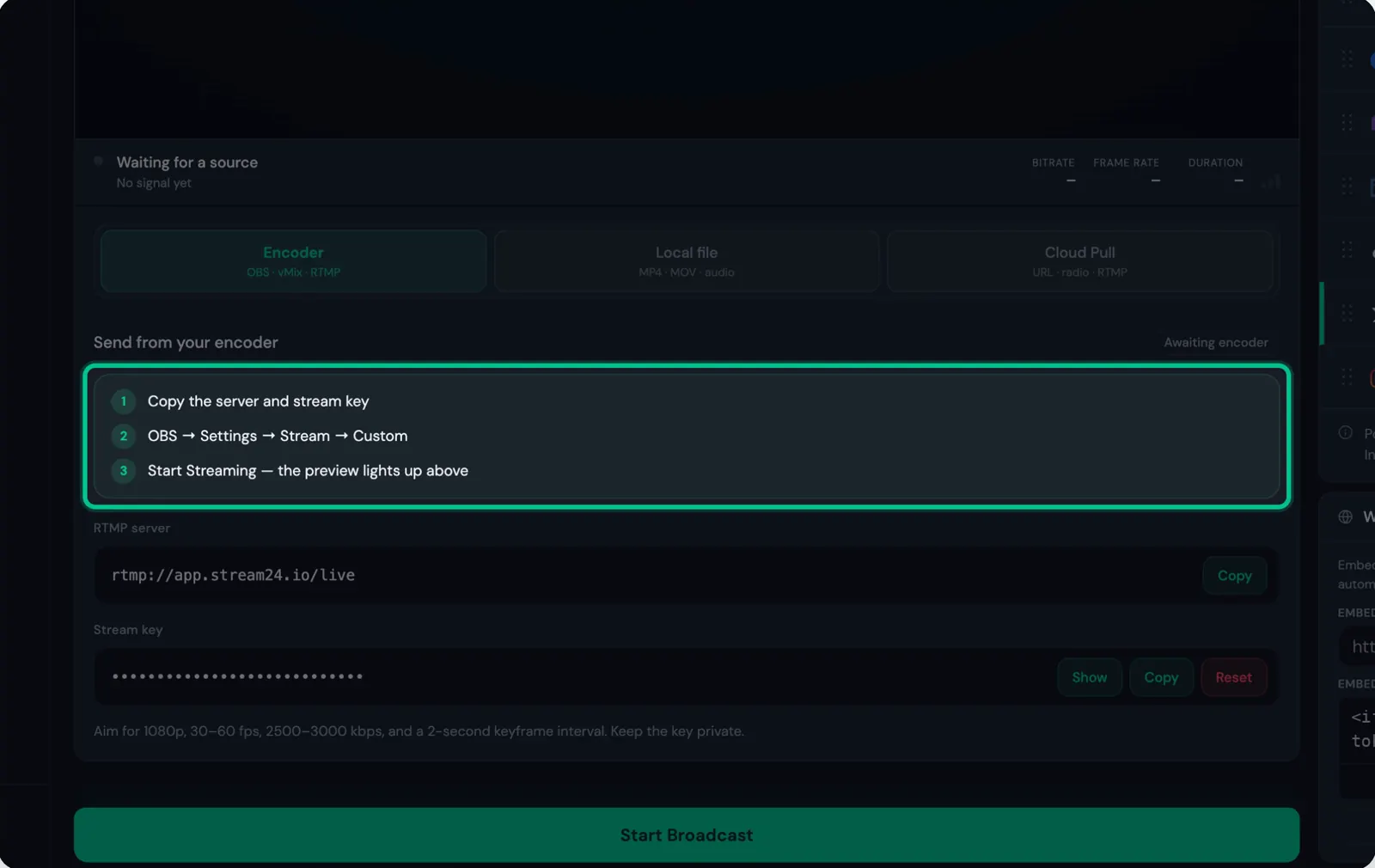
    In OBS, open Settings, then Stream, and choose Custom as the service. Paste the server into Server and the key into Stream Key, then click OK. vMix and hardware encoders use the same two values.

    The three encoder steps listed in the web app: copy, OBS Settings Stream Custom, Start Streaming
    Watch this step0:30
  5. Step 5: Start Streaming in OBS

    Click Start Streaming in OBS. In Stream24 the status changes to Encoder connected and the preview lights up.

  6. Step 6: Switch on your channels and click Start Broadcast

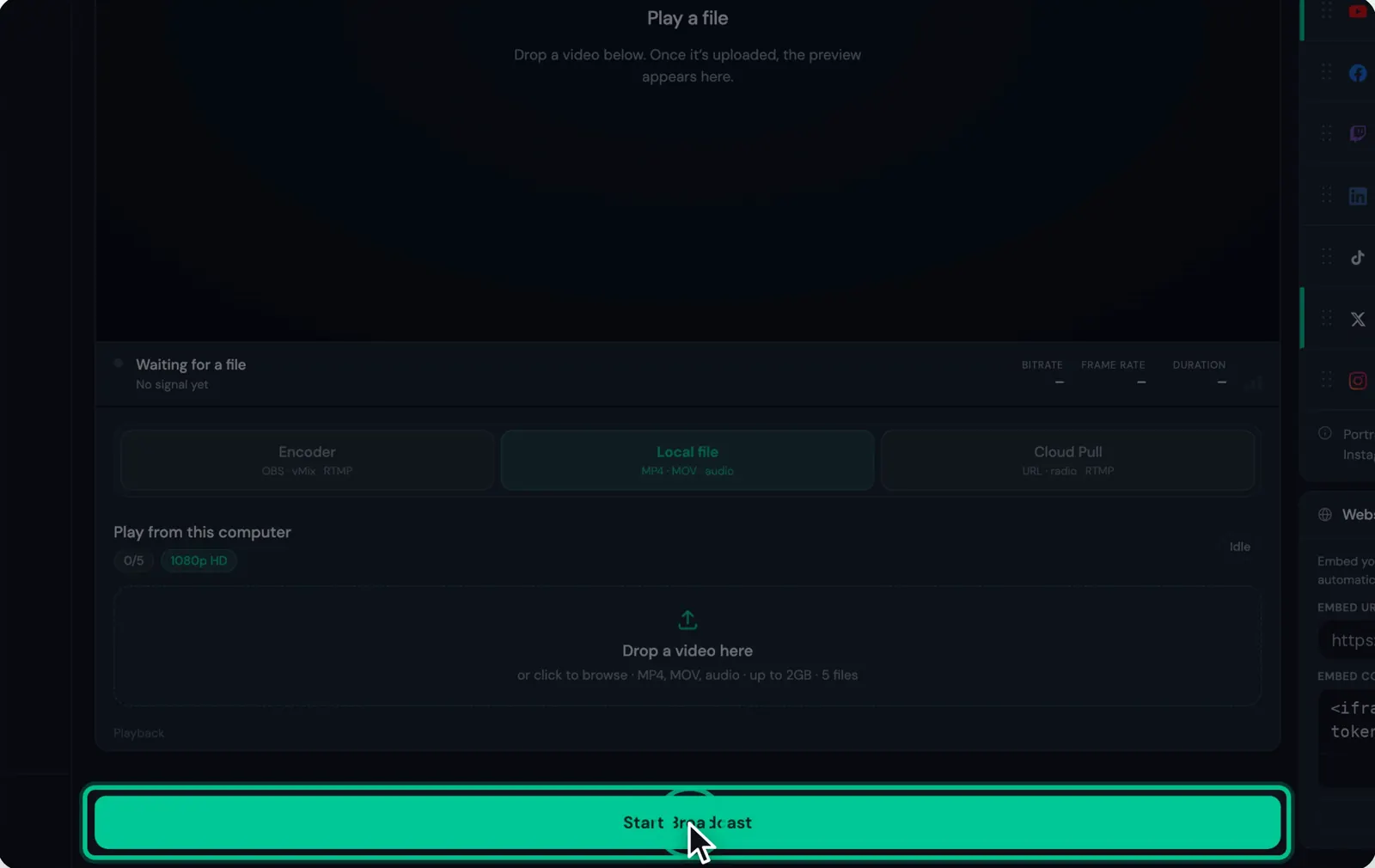
    Turn on the channels you want, then click Start Broadcast. Your encoder now reaches every channel at once.

    The Start Broadcast button highlighted
    Watch this step0:42

Good to know

  • Stream24 suggests 1080p, 30–60 fps, 2500–3000 kbps and a 2-second keyframe interval.
  • What each platform receives depends on your plan: Free sends 720p with a watermark, Starter and Pro send 1080p.
Messages you might see
  • Awaiting encoder
  • No incoming stream detected. Start OBS or save a Cloud Link.

If this didn’t work

Still stuck?

Tell us what you are trying to do and we will help. We usually reply within one business day.