


Steps
-
Step 1: Download Studio
Get the disk image from stream24.io/download.
-
Step 2: Move it to Applications
Open the disk image and drag Stream24 Studio into Applications. Open it from there: macOS only installs the virtual camera for apps in Applications.
-
Step 3: Sign in
Click Continue with Google, or enter your email. Stream24 sends a 6-digit code; enter it, or open the link in the email. There is no password to remember.
-
Step 4: New to Stream24?
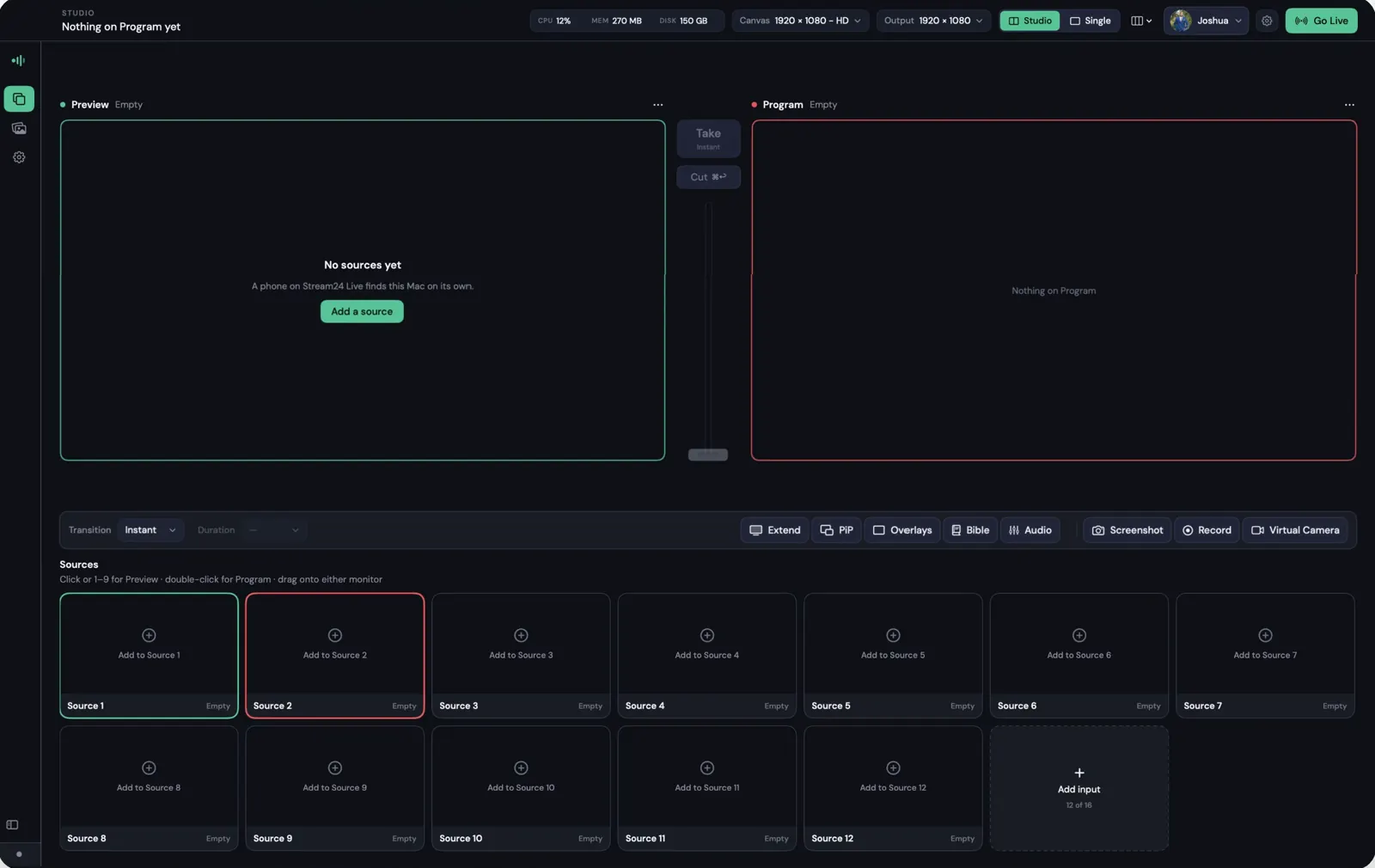
If there is no account for your email yet, Studio offers to create one. The Free plan includes multistreaming to 3 platforms and Studio with 3 sources at 720p.
Good to know
- One Stream24 account can be signed in to Studio on 2 computers at a time. Phones and the web app do not count.
- Studio updates itself, and never in the middle of a show.
Messages you might see
This account is signed in on two computers.
Reconnect to continue
Update required